
Add stock with a purchase bill
Buy from a supplier and add the stock to your inventory.
- 1
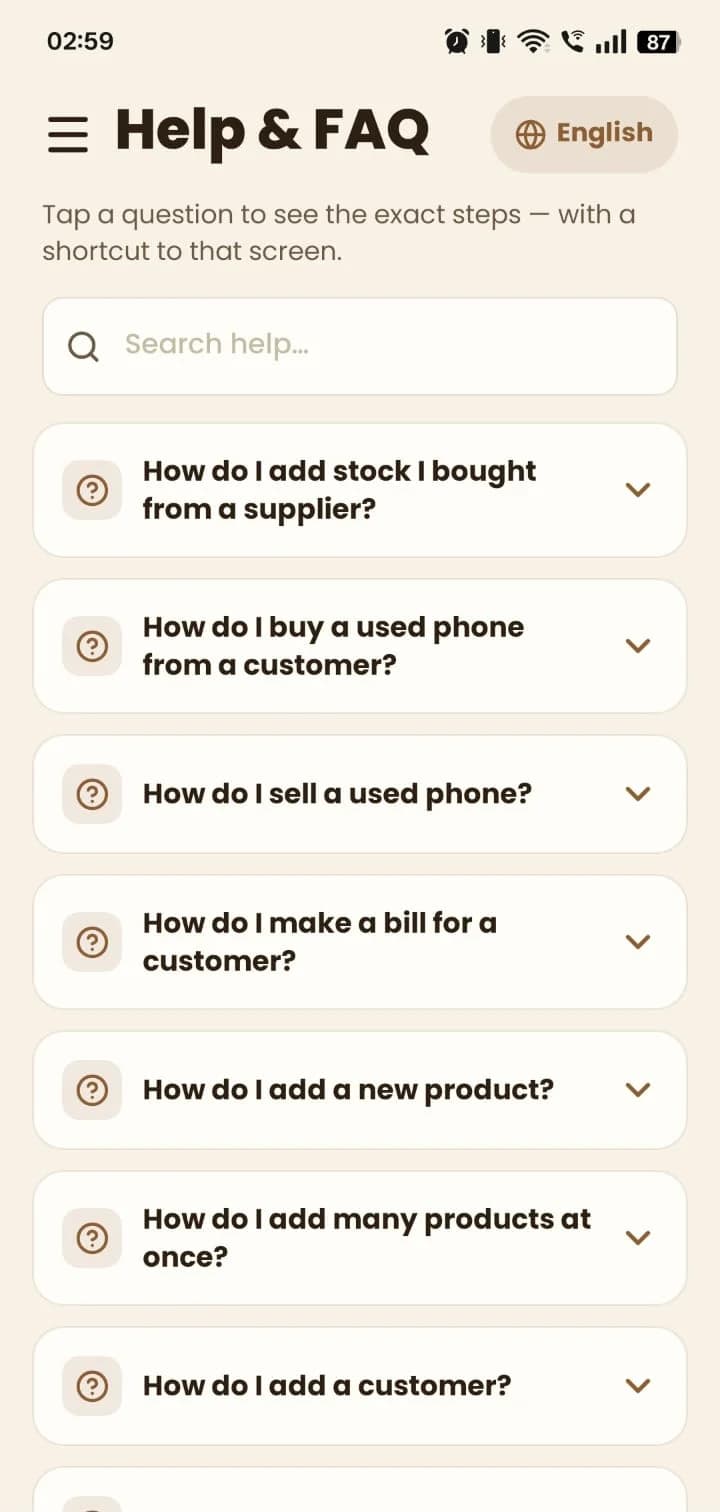
Not sure where to start? Open Help & FAQ and tap “How do I add stock I bought from a supplier?” for the steps and a shortcut to the screen.
- 2
Open Purchase, tap New Purchase Bill, then pick the supplier and branch.
- 3
Add each item with its quantity and rate. For phones, register the IMEI numbers when asked.
- 4
Tap Save, then Approve — the stock is added to your inventory.
Still stuck? Write to us at hello@mydukan.app