
Find your way around
Everything in the app is one tap away from the menu.
- 1
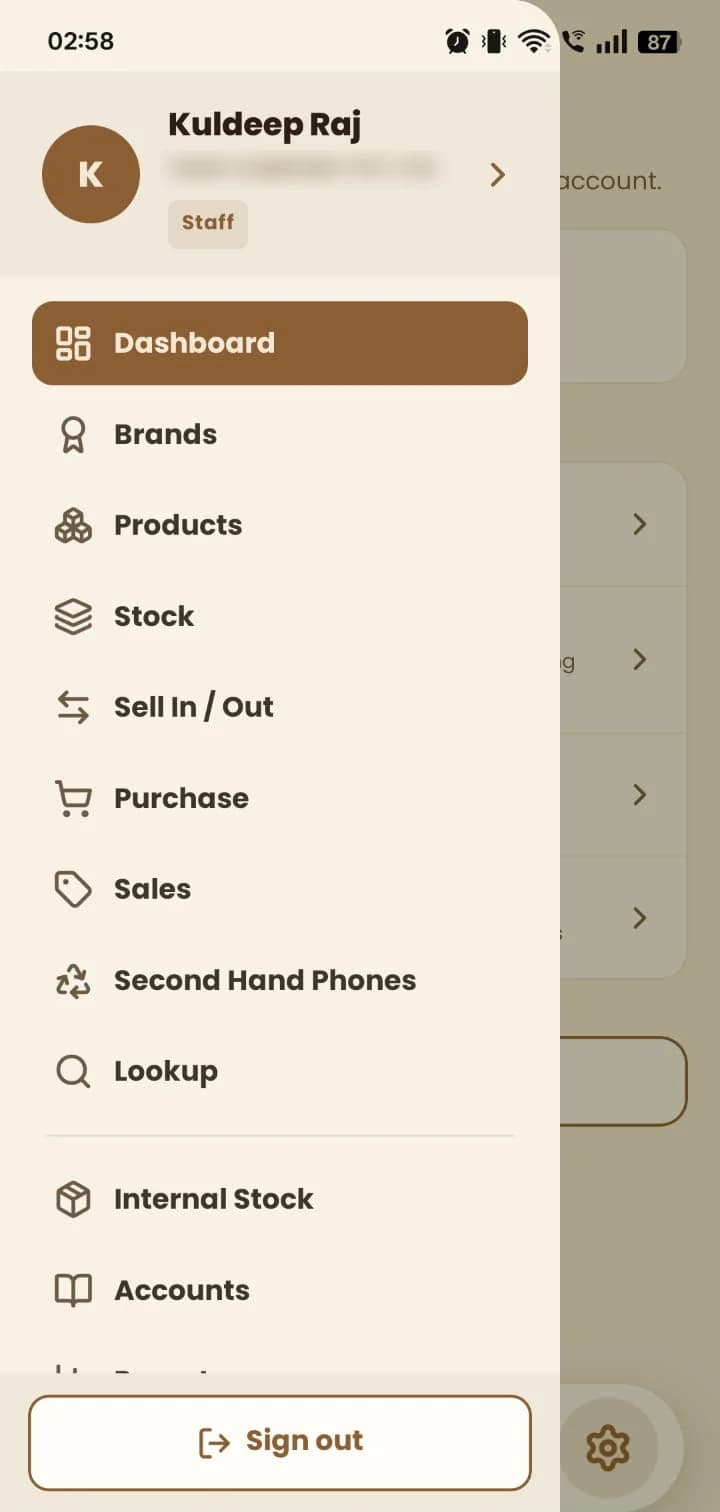
Tap ☰ to open the menu. Your name, company and role are shown at the top.
- 2
Pick a module: Brands, Products, Stock, Sell In / Out, Purchase, Sales, Second Hand Phones, Lookup, Internal Stock, Accounts or Reports.
- 3
Use the + button on the home bar to start a new document quickly.
Still stuck? Write to us at hello@mydukan.app