
Add and find products
Build your product list from the catalogue or add your own.
- 1
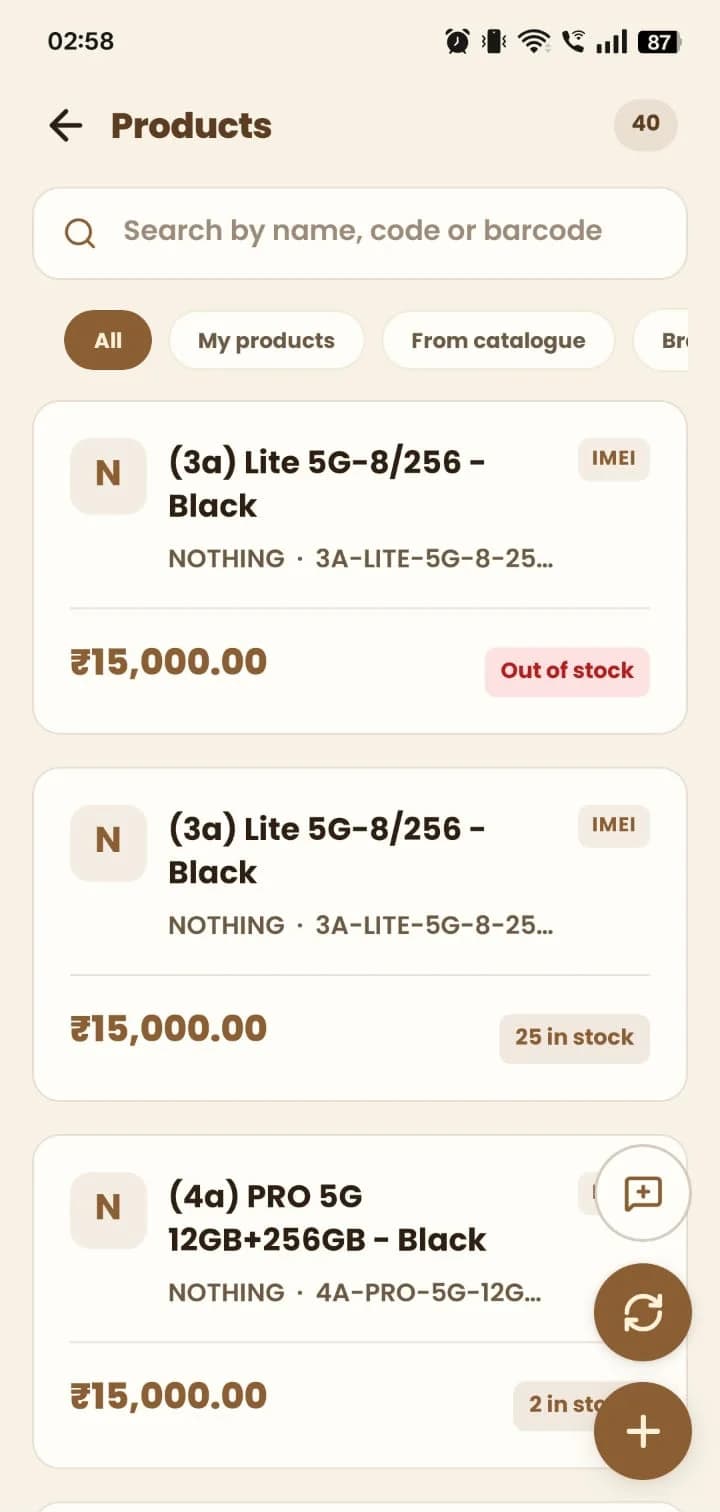
Open Products. Search by name, code or barcode, and filter by My products, From catalogue or brand.
- 2
Each product shows its brand, code, price and whether it's in stock. Items tracked by IMEI are marked.
- 3
Tap + to add a product, or use sync to bring models in from the catalogue.
- 4
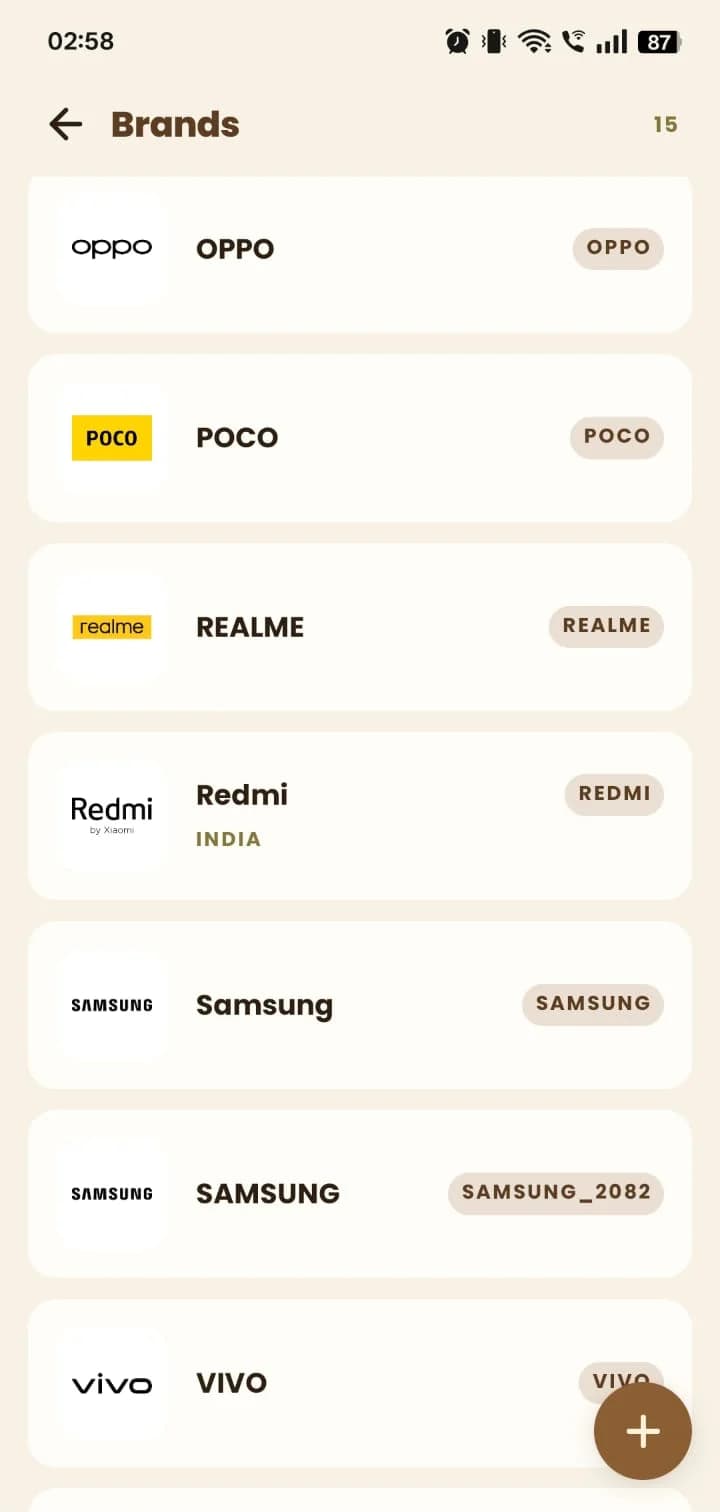
Open Brands to manage the brands you sell.
Still stuck? Write to us at hello@mydukan.app