
Move stock between branches
Stock orders, transfers and stock-take across branches.
- 1
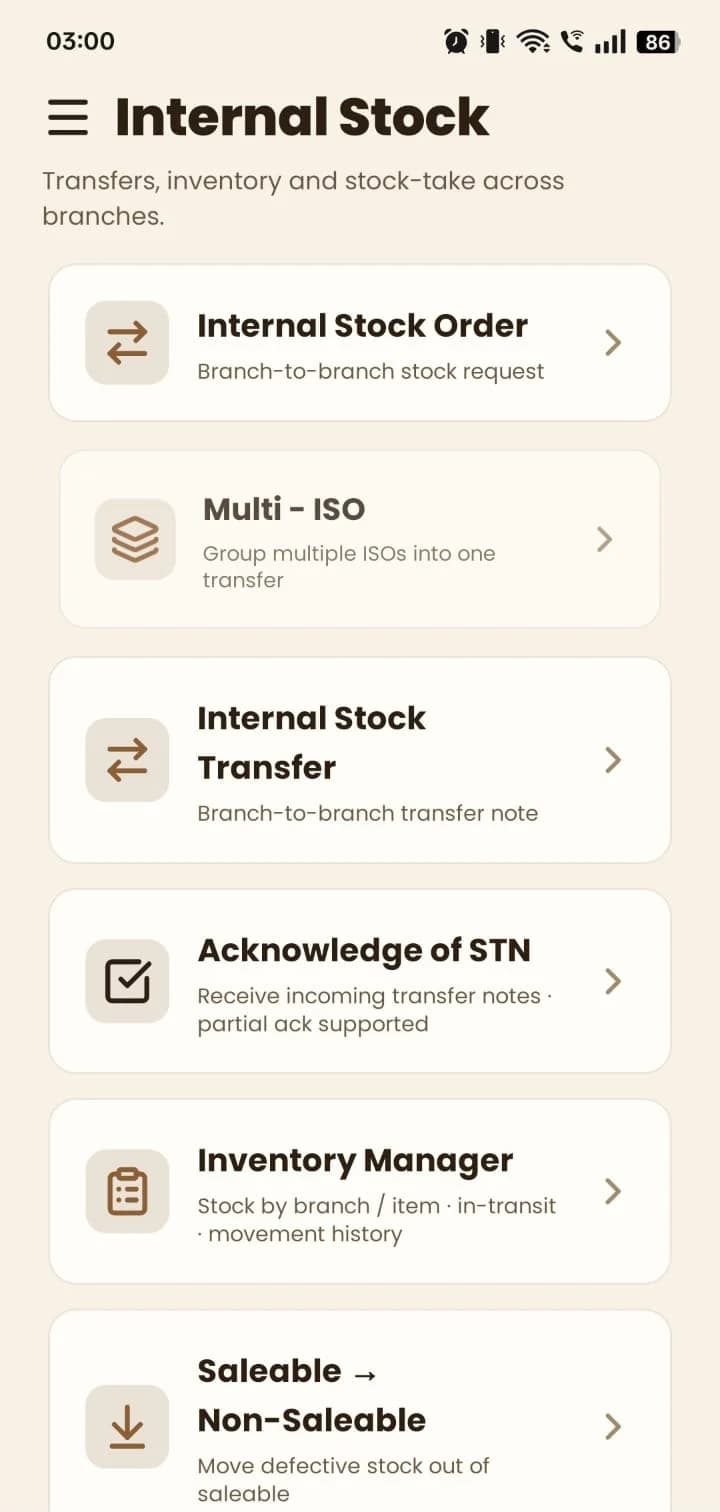
Open Internal Stock.
- 2
Raise an Internal Stock Order to request stock from another branch, or group several with Multi-ISO.
- 3
Send the stock with an Internal Stock Transfer. The receiving branch confirms it in Acknowledge of STN — partial acknowledgement is supported.
- 4
Use Inventory Manager for stock by branch and item, in-transit stock and movement history, and Saleable → Non-Saleable to move defective stock out.
Still stuck? Write to us at hello@mydukan.app